Courtship AI
Features
Chat reads and replies
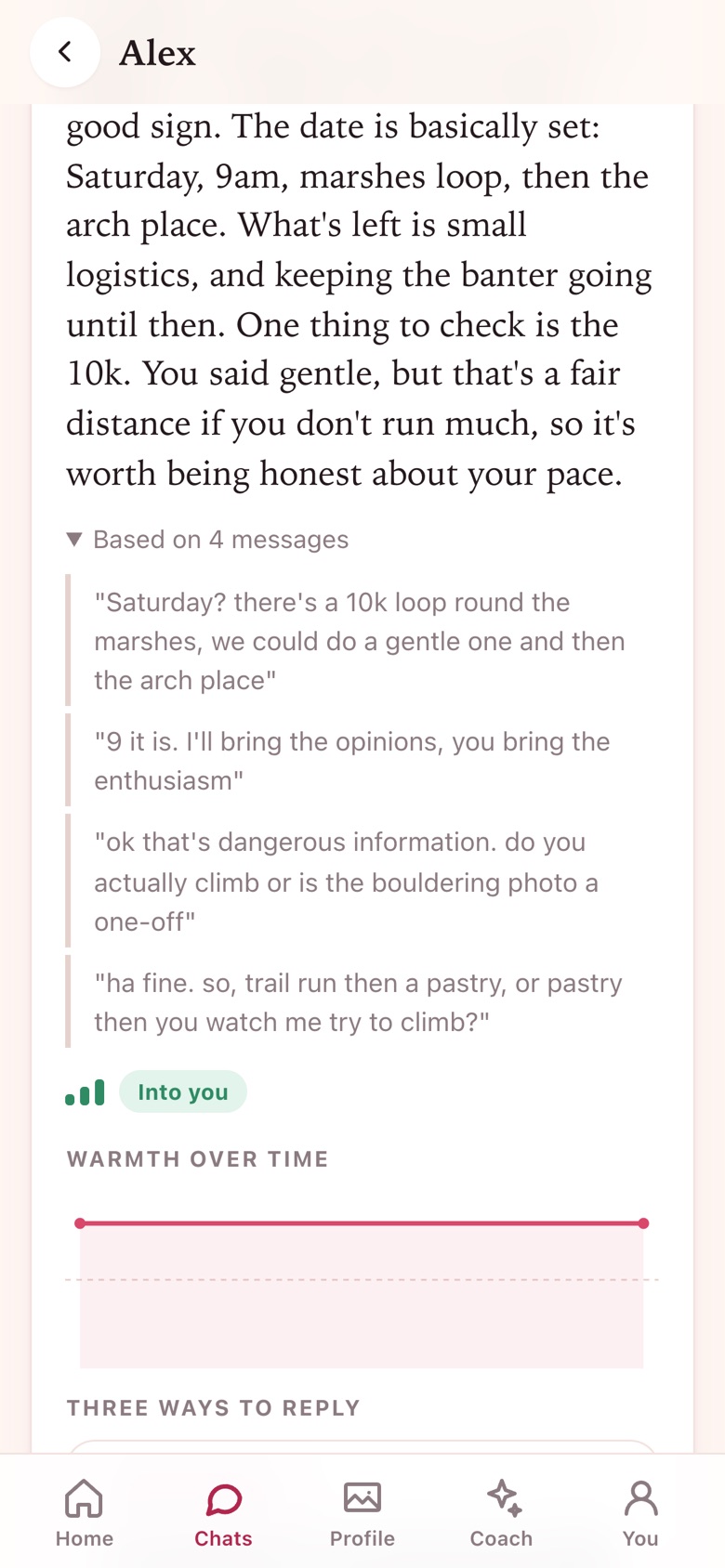
Screenshot a conversation, or paste it. The read tells you honestly where things stand, what the other person is like to talk to, and gives you three replies in your own voice.
- Interest, warmth and pace, with the messages quoted as evidence
- Three replies: one that picks up their thread, one that shares something, one that moves things along
- Tweak any reply: shorter, warmer, funnier, bolder, softer
- Openers from a screenshot of their profile, before you have said a word
- Safety signals named plainly, and undo for a read that got it wrong

How it goes
Four steps
- Add a match by name, or screenshot their profile
- Screenshot the chat (up to eight at a time) or paste it
- Read where it stands and pick a reply, or edit one
- Copy it and send it yourself, from the dating app